


Embossed Logo
A quickie. Some guy showed his mod in some hardware forum that used the similar technique. He promised to make a tutorial, how to make one but I haven't seen it so far. Tired of waiting, I wanted to try to make it my way.
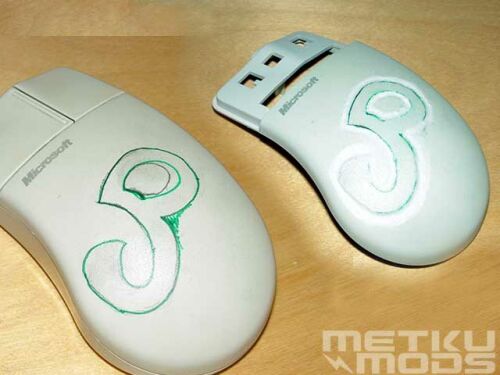 |
On the left there is a mouse that have my initials drawn on it. Just coudn't figure out anything better. On the right, same mouse with carved out letters. Just the basic shape first. |
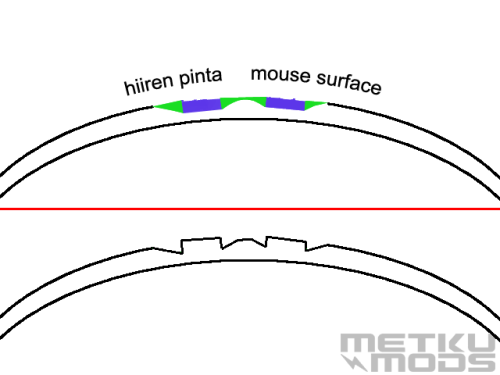 |
Top picture shows cross section of the mouse. Blue means the part that we want to be embossed and green shows the parts that we want to carve out. Carved surface on the lower picture. |
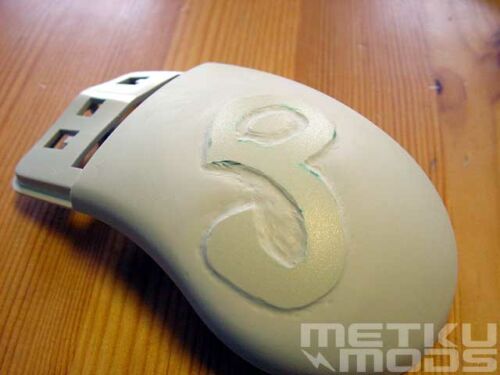 |
Edges carved and some sanding is done. |
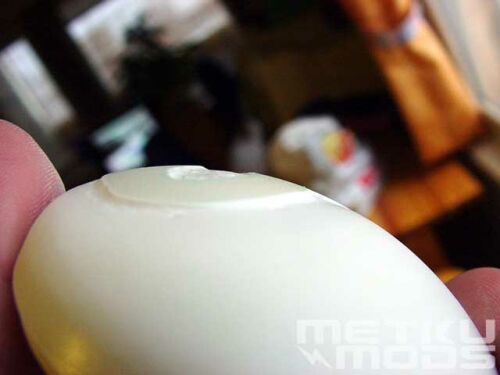 |
Edges sanded a little deeper and from wider area. This way we can make the text stand out even more. |
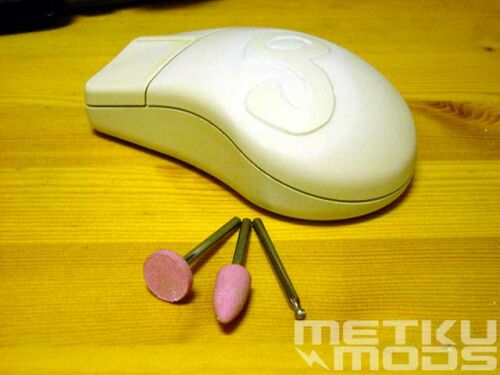 |
Finished mod. Also shown are the accessories used with the Dremel. |
Truly a quickie. Not too many words either. Only thing you have to remember is that don't carve too deep. Also small details are hard to carve and sand. One might want to try putting some bright lights inside the mouse. If you carve the surface thin enough, it will become semi-transparent and light will shine through.
btw. You can use this similar technique with every plastic part in your computer. Good candidates could be your keyboard or case's front panel.
 Questions, comments?
 Back to the
frontpage.
Back to the
frontpage.
26.01.2002 - ©Japala
 Content in english!
 Sisältö suomeksi!
 En ota mitään vastuuta tuhoutuneesta tai hajonneesta laitteistosta tai sen osasta.
 Disclaimer! I will not take any responsibility for any destroyed or damaged hardware.
