


|
|

 In English
 Suomeksi
Thermaltake Jing
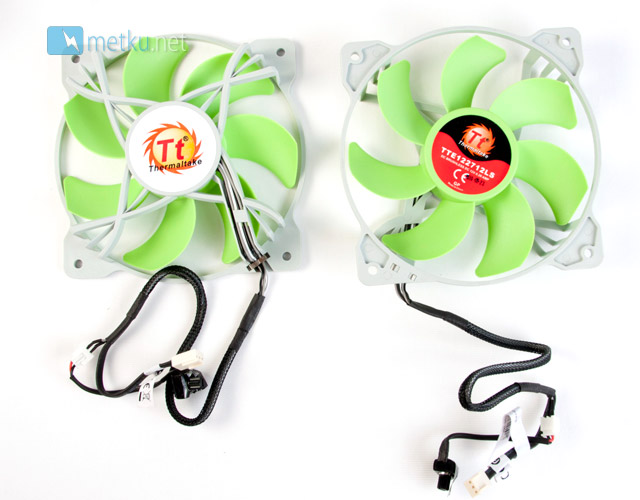
The funny looking open frame fans are specified at 2,4 watts each and run at 800-1300 RPM. Both fans also come with individual fan controllers. The controllers may seem like a nice feature, but they only have short cables, so they aren't easily accessible when the cooler is in use. Rather than these two controllers I'd much rather see just a single controllers with a longer cable.
Installation
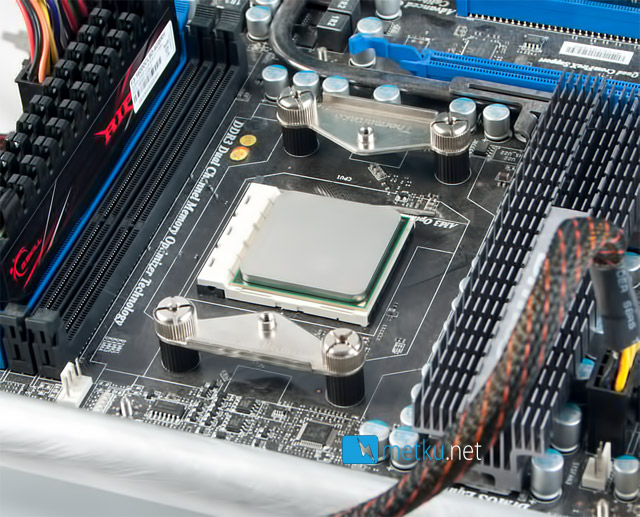
The installation of the Jing (and Frio, for that matter) begins by replacing the stock cooler bracket by the parts provided with the cooler. This part of the installation does require a bit of work, but none of the parts are tiny or otherwise hard to use, so the installation is still a straight forward process.
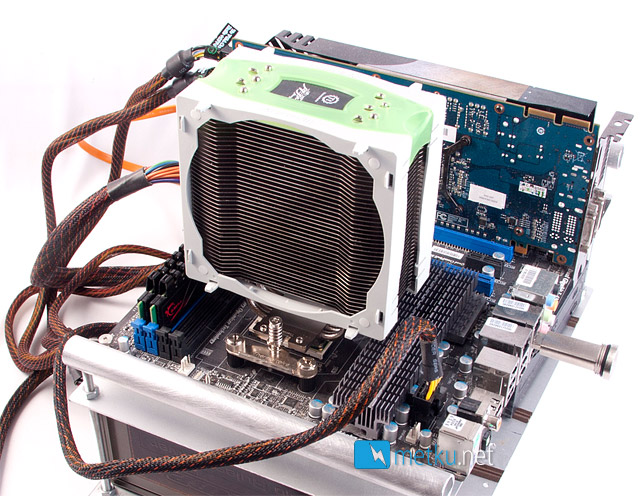
After the right brackets are on, you just tighten two spring-loaded phillips head screws to mount the heatsink in place.
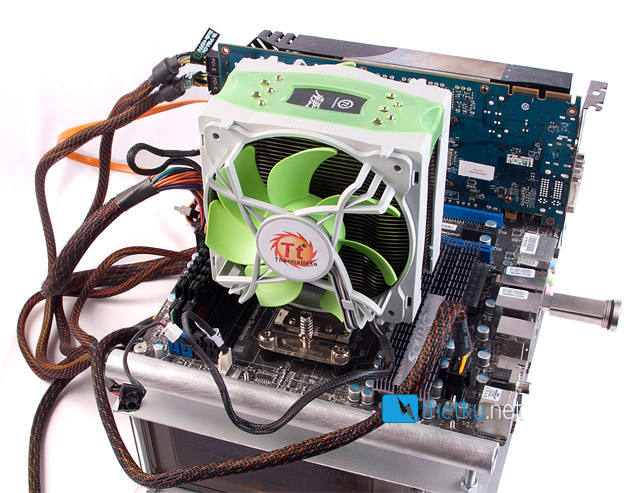
After that just pop the fans back in place and you're done. The Jing is a large cooler and also block the nearest memory slots. The "bottom" fan also comes close to the graphic card if it's seated in the up-most PCI-e slot. Again something that might be worth noticing before bying one of these coolers.
 | Pages: 1 2 3 4 5 6 7 8 9 10 |  |
 Content in english!
 Sisältö suomeksi!